


Renolink – The smart diagnostic tool for Renault and Dacia
More and more car owners and workshops want to be able to handle advanced car technology and troubleshooting themselves. With an effective diagnostic tool like Renolink, you get the opportunity to program keys, reset control units, and read fault codes quickly and safely – something that is highly sought after among Swedish car electronics specialists.
Renolink has become particularly popular among those who work with Renault, Dacia, and other related models, thanks to its broad compatibility and powerful functions. However, to maximize its utility and avoid accidents, an understanding of both technology and safety is required. In this guide, we will review how Renolink works, typical applications, and provide you with concrete tips for success with car electronics – whether you are a professional or a hobby user.
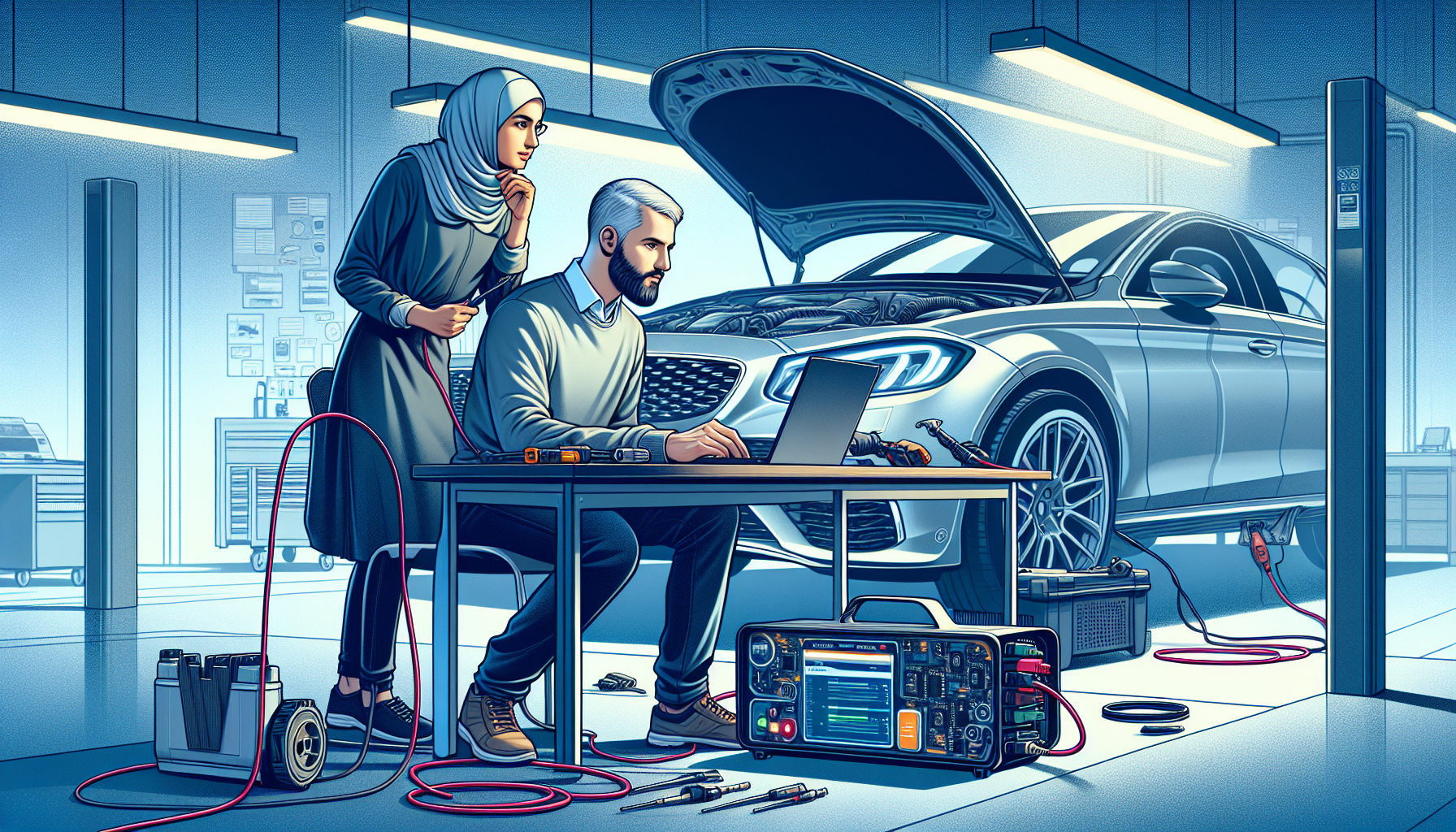
In a short time, Renolink has become an indispensable tool for car electronics specialists, workshops, and advanced DIYers who want to take control of their car's electronics. Thanks to its flexibility and wide range of applications, Renolink is particularly popular among those who work with diagnostics, reprogramming, and troubleshooting on Renault and Dacia, but its capabilities have also made it attractive in broader contexts.
Support for different car brands and models
Renolink is primarily developed for Renault and Dacia vehicles, but some versions also offer support for selected models from other brands within the same group. The tool handles a variety of car models from the mid-2000s onwards, and its functions include everything from key programming and resetting control modules to advanced troubleshooting.
- Key Programming: Opens up the possibility to quickly configure new or extra car keys when the original is lost or damaged without the need for expensive workshop service.
- Module Management: Unlocks and programs control units such as airbags, engine control units (ECU), power steering, and automatic transmission, which is crucial during, for example, replacement or renovation.
-
Fault Code Reading and Deletion: Provides direct access to the car's control units to identify, interpret, and clear fault codes – a must for troubleshooting and repair.
The unique combination of functions means that Renolink is often used in common scenarios such as key loss, replacement of used modules, or troubleshooting complex electronic systems. This saves both time and money and provides an opportunity for a quick return to full vehicle function.
When and why is Renolink used?
Many Swedish workshops and enthusiasts appreciate Renolink because it simplifies complex tasks that would otherwise require expensive original equipment. For example, immediately after an accident, you can reset the airbag module or revive a lifeless control unit after a battery change – tasks that previously often required authorized service.
In summary, Renolink is a versatile and powerful tool that, in the right hands, can provide full control over modern car electronics. However, it is important to understand its limitations and always work methodically with the car to ensure that all programming is done safely and correctly.
How does Renolink work? – The technology behind the tool
Understanding how Renolink works is fundamental to both maximizing results and maintaining safety when working with vehicle diagnostics. Renolink consists of an advanced combination of hardware and software that enables direct communication with the car's control system. The tool is designed to be user-friendly, but at the same time, there are certain technical aspects to be aware of to fully utilize its potential.
How to connect and start Renolink
To use Renolink, the following components and steps are required:
- Hardware (interface): A dedicated Renolink adapter that connects to the car's OBD2 port.
- Software: Renolink installation program, usually for Windows, which offers an intuitive interface and regular updates.
- Connection: A USB cable connects the adapter to the computer.
- Start process: After installation, the software starts and the vehicle is automatically identified via the OBD2 port. Instructions for the selected function are followed on the screen.
Compatibility is an important aspect – Renolink works best with Renault and Dacia, but the support list is continuously growing via software updates. A tip is to always use official cables and keep the software updated to avoid communication problems.
Safety aspects and practical experiences
Safe use of Renolink includes:
- Always backing up original data before making changes to the car's control units.
- Checking vehicle model compatibility in advance to minimize the risk of fault codes or software conflicts.
- Following the instructions shown in the program carefully – even small mistakes can cause major problems in the car's electronic system.
Experienced users recommend starting with simpler tasks, such as troubleshooting fault codes, before attempting more advanced things like key programming or module adaptation. This minimizes the risk of costly errors and provides valuable practical routine.
Updates and long-term use
In summary, you get the most out of Renolink by working systematically, keeping the software current, and prioritizing safety in all steps. Many problems can be avoided by carefully reading the included documentation and following proven workflows. Used correctly, Renolink offers a stable and flexible solution that evolves with car technology, making it a long-term smart choice for both professional workshops and engaged DIYers.
Common tasks with Renolink – Practical examples
Renolink has become an indispensable tool for many car enthusiasts and workshops thanks to its wide range of applications and user-friendliness. One of the main advantages is the ability to perform advanced tasks oneself that would otherwise require expensive workshop service. By understanding the most common uses and how Renolink is best used, car owners can save both time and money, while learning more about the car's electronic system.
Programming, resetting, and fault code management
- Program new car keys: With Renolink, you can easily program new keys, which is a common action when a key has been lost or an extra one is needed. The process is clear and suitable for both workshops and DIYers with some experience.
- Reset airbag modules: After an accident or repair, airbag modules sometimes need to be reset to ensure function. Renolink makes this process smooth through customized commands.
- Erase fault codes and calibrate control units: By connecting Renolink, you can read, understand, and erase fault codes, as well as perform calibrations on the ECU and other electronic control units, which often restores the system to full working order.
In addition to these main tasks, Renolink can also be used to unlock modules or reset instrument clusters, which provides significant flexibility and control over the car.
Tips for best results and common pitfalls
A common mistake among beginners is not performing a proper backup before making changes. With Renolink, it is always wise to save a copy of the current settings. If something goes wrong, you can quickly restore the system without permanent damage. Another tip is to carefully read the user manual and any model-specific guides, as some functionality may differ between different Renault and Dacia model years. This minimizes the risk of failed programming or incorrect settings.
If you work structured, keep your software updated, and always prioritize safety, Renolink enables safe and efficient execution of many car-related tasks for both professionals and enthusiasts.
Comparison between Renolink and other diagnostic tools
Choosing the right diagnostic tool is crucial for both workshops and car enthusiasts, especially when it comes to advanced car electronics. Renolink has become an increasingly popular option, but how does it actually compare to other diagnostic tools on the market? This comparison highlights the strengths and weaknesses of Renolink and provides insights from Swedish users on when it truly is the best choice.
Renolink's advantages and limitations
- Specialized functionality: Renolink is specifically developed for Renault and Dacia, making it extremely effective for these car brands when it comes to advanced operations such as key programming, module locking, and resetting safety systems.
- Cost-effectiveness: The tool is generally more affordable than larger, universal diagnostic platforms. This makes it an attractive option for smaller workshops and DIYers who primarily work with French car brands.
-
Limited compatibility: Unlike tools such as Autel MaxiSys or Bosch KTS, Renolink has a much narrower vehicle database and is rarely suitable for, for example, German or Asian car models.
At the same time, other diagnostic systems such as Texa, Launch X431, or CAN Clip can offer wider access to several car brands, deeper troubleshooting capabilities, and integration with more vehicle systems. Renolink excels when the need is niche and the requirements are adapted to Renault and Dacia, not when versatility is the highest priority.
User experiences and tips from Swedish workshops
Among Swedish car enthusiasts, independent workshops, and professional car electronics specialists, the following advantages are often emphasized:
- Easy to learn: Renolink's simple interface and clear menu structure are often highlighted as a major advantage compared to more complex systems.
- Quick feedback: Many appreciate the fast communication with the vehicle's control units and the ability to perform special functions that are not always available in more generic tools.
-
Access to support and online communities: The Swedish user forum and active Facebook groups offer both quick help and shared experience on common and unusual challenges.
However, it is important to consider which car brands you primarily work with and to explore references and reviews from other users to ensure that Renolink meets your needs in a cost-effective way.
Conclusions when choosing a diagnostic tool
In summary, Renolink is an excellent choice for those who primarily work with Renault and Dacia, especially when it comes to advanced procedures such as key programming and module resetting. For broader needs or for those who work with many different car brands, a universal diagnostic tool may be a better option. Think long-term – always base your decision on your actual needs, budget, and desired technical support to find the tool that best suits your daily work.
Important tips for success with Renolink – Safety, restoration, and support
Using an advanced tool like Renolink offers great opportunities – but it also places high demands on accuracy and safety. Whether you are a workshop technician or a DIYer, it is important to have the right routines in place to protect both the car's electronics and your own work. Many users seek answers on how to avoid errors, correct mistakes, and where to find reliable help or resources in case of problems. Here are experience-based tips for safer and smoother use.
How to protect your car and yourself
- Thorough backup and restore points: Always create backups of current settings and data before starting programming or recoding. Many miss this important step and risk unwanted problems.
- Result check before saving: Before saving any changes, check that all coding and programming have been completed correctly. One wrong step can render the car unusable.
- Grounding and shutdown: Always disconnect the battery and ensure the car is properly grounded to prevent electrical damage or short circuits.
-
Follow manufacturer's instructions: Carefully read both Renolink's and the car's own manuals to avoid mistakes that could damage the unit or the vehicle.
Following these basic safety routines will help you avoid the most common and costly mistakes when working with the car's control units.
Support, resources, and further learning
If you encounter problems, there are several ways to get help and develop as a user:
- Technical support: Contact the official support channels of Renolink providers for help with problems, software updates, and warranty issues.
- Forums and community groups: Participate in Swedish and international online forums where users share experiences, tips, and solutions to common problems.
- Resource links and guides: Search for video guides and detailed manuals for your specific car model to better understand the work before you start.
-
Courses and training: Invest in knowledge through online courses or physical training to get more out of Renolink and avoid critical beginner mistakes.
Utilizing these resources not only increases your competence – it is also a smart way to stay updated on the latest features and safety routines. By prioritizing both safety and continuous knowledge development, you ensure the best possible results with Renolink.
Frequently Asked Questions
Q: What is the most important thing to know about Renolink before you start using the tool?
A: The most important thing you should know is that Renolink is a specialized tool for programming, troubleshooting, and resetting electronics primarily on Renault and Dacia vehicles. The tool gives the user advanced access to the car's control units, which means you must be careful and sure of what you are doing to avoid risking damage to the car's electronics. Always back up before making major interventions and always follow the recommended steps in the program menus.
Q: How does Renolink fit into today's trends in vehicle diagnostics and DIY repair?
A: Renolink clearly represents the growing DIY trend where more and more people want to be able to handle advanced troubleshooting and repair of their car's electronics on their own or in smaller workshops. While vehicle electronics are becoming increasingly complex, Renolink is designed for user-friendliness and to enable more people to work efficiently with models that traditionally require OEM equipment. It combines affordability with a wide range of functions, which is perfectly in tune with the times for both enthusiasts and professionals.
Q: What common mistakes do Renolink users make, and how can they be avoided?
A: A common mistake is not verifying the vehicle model or using the wrong version of the software, which can lead to incompatibility and, in the worst case, disrupt the car's electronic system. Another mistake is skipping backing up original data before programming, which complicates restoration in case of problems. Always make sure you have the latest software and save a backup before making any changes. Read the user manual carefully and always double-check compatibility for your specific car model.
Q: What additional resources or tools are recommended for those who want to deepen their knowledge of Renolink?
A: In addition to the Renolink tool itself, it is recommended that you join online forums and Facebook groups for Renault and Dacia owners where many share experiences, solutions, and updates. It is also smart to have access to official workshop manuals or wiring diagrams for the specific car model. Swedish and international YouTube channels on car diagnostics can also provide invaluable tips and video instructions.
Q: How do you get started with Renolink safely and efficiently?
A: Start by reading both the manufacturer's manual and online user reviews to gather practical knowledge. Install the software on a computer that meets the system requirements, connect the tool to your car's OBD port, and follow the instructions for initial scanning. Always create a backup of the car before making changes. Practice less risky functions first, e.g., reading fault codes, before attempting more advanced programming such as key or module programming.
Final word: Maximize your workshop or DIY repair with Renolink
Renolink has established itself as an invaluable diagnostic tool for both workshops and dedicated car owners, not least thanks to its flexible functionality for Renault and Dacia. The tool enables advanced tasks such as key programming, module locking, and troubleshooting management, while secure integration and updated software provide security during work. By following recommended routines and leveraging community support, users can avoid common errors and ensure a professional result.
If you want to take control of your car electronics safely, now is the time to start with Renolink. Explore additional resources, online forums, and manufacturer support to enhance your knowledge and be able to handle future technical challenges. Consider the safety aspects and invest in the right tools – your car and your workshop will thank you!