


FORScan Adapter – The Complete Guide for Vehicle Diagnostics
Are you looking for a powerful tool to interpret fault codes, perform advanced tests, and unlock your car's hidden features? A FORScan adapter opens the door to professional vehicle diagnostics for Ford, Mazda, Lincoln, and Mercury – directly from your own computer or mobile device. Many car owners in Sweden are now discovering how easy it is to read hidden modules or reset the service indicator without expensive workshop visits.
In this guide, we'll show you why FORScan has become so popular, which adapters are recommended, and how to best get started to utilize your car's full potential. Whether you're an enthusiast or a professional, you'll get answers to important questions about compatibility, installation, and safety – plus tips on how the right adapter saves both time and money.
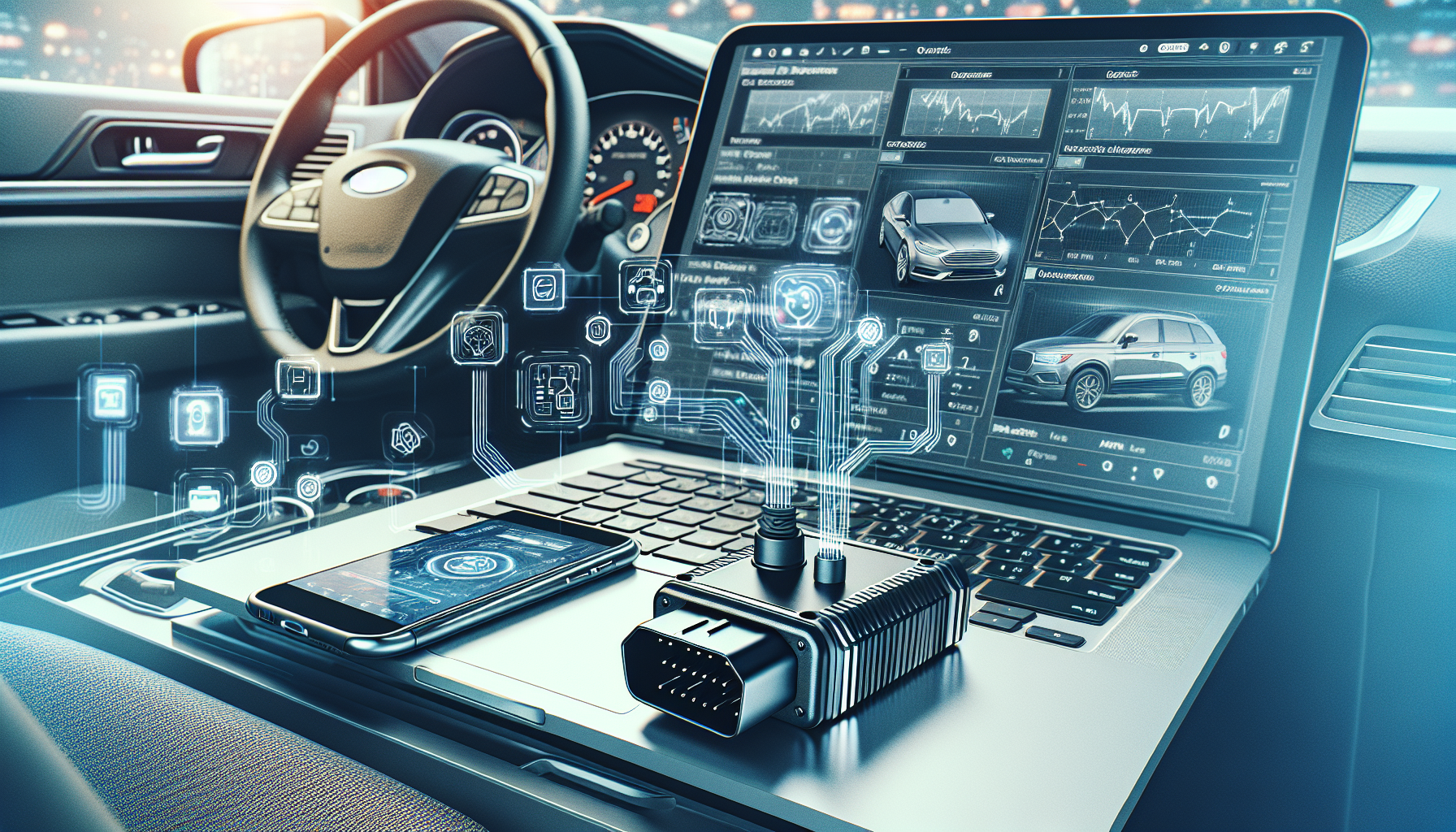
A FORScan adapter is a specialized type of OBD2 adapter that enables advanced diagnostics and programming on Ford, Mazda, Lincoln, and Mercury vehicles. While standard OBD2 adapters can handle simpler troubleshooting and code reading, the FORScan adapter opens the door to factory-unique features and deeper system access for these car brands. This makes it a popular choice among car owners and workshops who want to get more out of their car's diagnostic system.
The Difference Between a Standard OBD2 Adapter and a FORScan Adapter
-
Standard OBD2 adapters work for basic troubleshooting on most cars but may be limited to engine codes and general parameters.
-
FORScan-specific adapters (such as OBDLink EX or certain ELM327 units with custom firmware) offer deeper communication with the entire car – including modules for ABS, airbags, climate control, locks, and more.
-
Technical requirements: The FORScan software requires the adapter to handle advanced protocols, primarily the CAN buses used by Ford and Mazda. This is why many universal adapters do not work fully.
-
Performance and reliability: The right adapter – especially those that are FORScan-certified – minimizes communication problems, interruptions, and the risk of incorrect programming.
Imagine the difference between a universal remote control and the car's original key: both can unlock the car, but only the original can start the engine and program new functions. A specially adapted FORScan adapter opens up precisely this extra level of control and insight.
How FORScan Adapters Interact with FORScan Software
A FORScan adapter acts as the bridge between the vehicle's electronics and the FORScan software (or app) on your computer, tablet, or smartphone. To utilize all the software's functions – such as detecting hidden modules, resetting service intervals, or customizing parameters – the adapter must support both communication protocols and the fast data transfers required. Therefore, it is crucial to choose the right adapter and not just any OBD2 dongle. With the right hardware, you get the maximum benefit from FORScan, whether you are troubleshooting an older Ford Focus or a newer Mustang.
Which Vehicles Are Compatible with FORScan and FORScan Adapters?
One of the biggest strengths of FORScan adapters is their broad compatibility, specifically tailored for Ford, Mazda, Lincoln, and Mercury. Both the software and the adapter are designed to communicate with these vehicles and provide access to features that go far beyond what standard OBD2 tools offer. But exactly which cars and model years actually work with FORScan and its recommended adapters?
Brands, Models, and Model Years
When it comes to vehicle support, FORScan is impressively comprehensive:
-
Ford: Support from 1996 to 2024 (with full coverage for most models and markets, including Europe and Sweden).
-
Mazda: Deep support up to model year 2022.
-
Lincoln & Mercury: As extensive support as for Ford, 1996–2024.
-
No support for other brands: FORScan is strictly developed for these brands, although some basic OBD2 communication may work on other cars.
In addition to model and year support, FORScan stands out by being able to communicate with all available control units (ECUs), including hidden modules that ordinary tools often miss. With the right adapter, you gain access to more advanced diagnostics and programming than authorized brand workshops can offer to private individuals.
Limitations and Special Features for Swedish Car Owners
Although coverage is broad, there are some things to consider:
-
Latest models: Some of the very latest Mazda models may have limited support, but FORScan development is continuous, and more models are added regularly.
- Differences between markets: Some Ford models have different ECU setups depending on the country. However, FORScan offers support for both European and American variants.
-
Functionality: Features such as key programming, deep reading of fault codes, and individual adjustments vary slightly depending on the model year and trim level.
It is also important to note that owners of both older and newer vehicles have much to gain from using FORScan – for older cars, it can be about finding and fixing hard-to-detect problems, while for newer vehicles, it opens up possibilities for advanced personalization and service. If you want maximum benefit, it's wise to review FORScan's own compatibility lists for your exact vehicle.
The Most Recommended Adapters for FORScan
When it comes to choosing the right FORScan adapter, there are several options on the market, but not all are created equal. Depending on needs and budget, the choice of adapter can affect both functionality and user experience with the FORScan software. This section goes through the most recommended OBD2 adapters – their strengths, potential weaknesses, and tips on how to make the best choice for your Ford, Mazda, Lincoln, or Mercury.
OBDLink EX, ELM327, and J2534 – Strengths & Weaknesses
-
OBDLink EX is often the first choice for dedicated FORScan users due to its high reliability and fast data transfer. It fully supports Ford CAN buses and can handle all ECUs, providing access to more features than authorized workshop scanners can. Adapted for Windows and very popular thanks to its stability with FORScan.
-
ELM327-based adapters are more affordable and work via USB, Bluetooth, and Wi-Fi. However, quality varies greatly, and some cheap copies may have limited functionality or problems with advanced programming. They work well for simpler troubleshooting but often lack support for Ford-specific protocols and high-performance tasks.
-
J2534 Pass-Thru adapters are aimed at professional users or those with high demands. They are robust, can handle more car brands, and support advanced programming. The downside is the high price and time-consuming installation.
Be careful to choose an adapter that is tested and recommended by FORScan themselves to avoid compatibility issues or damage to the vehicle's electronics.
Practical Guidance When Choosing an Adapter
Choosing the right adapter isn't just about price: it's about weighing how much advanced functionality you need and what type of vehicle you have. For private use on a Ford or Mazda, an OBDLink EX or a high-quality ELM327 adapter is often sufficient. For professional use or if you want to be able to program and configure more systems, the J2534 adapter is a good choice. Also consider support and updates; adapters with active development work best with new versions of FORScan.
Conclusion and Unique Insights
In summary, it's important to prioritize quality and proven brands when it comes to FORScan adapters. Don't be tempted by low-cost alternatives without documented compatibility. Investing in a well-recommended adapter saves time, frustration, and potential repairs – and unlocks the full potential of the FORScan software. Choose based on your needs, but never compromise on compatibility and safety.
Unique FORScan Features You Only Get with the Right Adapter
Using a FORScan adapter isn't just about reading fault codes – with the right adapter, a whole new world of advanced vehicle diagnostics and customization opens up. The FORScan software is specifically developed for Ford, Mazda, Lincoln, and Mercury, and with a fully compatible adapter, you gain access to features found only in advanced workshop equipment. Many of these features go far beyond what standard OBD2 readers can offer and give you control over the car's hidden electronic systems.
Advanced Diagnostic Capabilities
- Detect and read hidden modules: With the right FORScan adapter, you can detect control modules and components in the vehicle that are not visible via generic OBD2 tools.
- View and clear hidden fault codes (DTCs): FORScan not only allows you to read fault codes – you can also clear codes that are otherwise inaccessible with standard equipment.
- View and log unsupported PIDs: The software provides access to parameters and sensor data beyond the normal, giving you deeper insight into what's happening in the car's systems.
-
Run advanced tests and service procedures: With the right adapter, you can initiate module self-learning, perform various resets, and re-code or program both keys and control units.
This level of interaction is only possible when you choose an adapter such as OBDLink EX, ELM327 (recommended version), or J2534 Pass-Thru. It is crucial that the adapter supports fast data transfers and correct CAN-bus communication, which simpler adapters often lack.
Comparison with Traditional OBD2 Tools
Unlike simpler OBD2 readers, which can essentially only decode and delete generic error messages, FORScan with the right adapter gives you the same level of access as authorized brand workshops.
This means, for example, that you can adjust the car's comfort functions, customize lighting and locks, program new keys, and perform in-depth troubleshooting on the car's entire electronic network.
This can mean significant savings, both in time and money, by avoiding workshop visits for simple adjustments or troubleshooting.
Understanding and utilizing these benefits means that car owners, enthusiasts or professionals, can not only optimize and customize their car – but also extend the vehicle's lifespan and safely prevent problems before they escalate.
How to Install and Connect Your FORScan Adapter
Installing and connecting a FORScan adapter for the first time can feel like a challenge, but with the right steps and preparations, it's usually simple and straightforward. Whether you use an OBDLink EX, ELM327, or another adapter, the basic principle is the same: a secure connection between the car and your computer or mobile device, so you can fully utilize the FORScan software's functions.
Step-by-Step Guide for Installation and Connection
- Choose the correct connection type: Identify whether your adapter is USB, Bluetooth, or Wi-Fi based. USB connections are recommended for maximum stability and speed, especially for deeper programming.
- Install necessary software: Download and install the latest version of FORScan on your computer or mobile device. Make sure you have the correct drivers if you are using USB.
- Plug the adapter into the OBD2 port: The OBD2 port is usually located under the dashboard on the driver's side. Make sure the ignition is off before plugging in the adapter.
- Start the vehicle and application: Turn the ignition on (the engine can be off) and then start the FORScan software. Select your adapter and establish the connection.
-
Troubleshoot if necessary: If the connection fails, check that you have selected the correct port and that the drivers are updated. For Bluetooth or Wi-Fi—verify that the connection is paired and the network is stable.
These steps will help you get started, but vehicles and adapters may vary slightly. Always read the manufacturer's enclosed instructions for your specific brand.
Tips for Stability, Safety, and Quick Start
Avoiding common pitfalls is crucial for a smooth experience:
- Avoid cheaper copies: Cheap ELM327 clones often lack critical functions and can lead to unstable or incorrect communication with the car.
- Ensure software and adapter are updated: FORScan is constantly evolving, and compatibility is regularly improved for both software and hardware.
- Safety first: Never connect or disconnect the adapter while the vehicle is running, and follow all safety instructions.
- Always test the connection with lower permissions first: Start by reading fault codes and gradually move up to more advanced functions when you see that everything is working as it should.
Correct installation and connection are the foundation for all further diagnosis and programming. With these practical tips, you avoid frustration, ensure a stable connection, and minimize the risk of errors when using FORScan.
Practical Applications for FORScan and the Right Adapter
Once you have the right FORScan adapter, completely new possibilities open up for troubleshooting, maintaining, and customizing your Ford, Mazda, Lincoln, or Mercury. FORScan, in combination with a compatible adapter, provides deeper access to the car's control system than traditional diagnostic tools. Many car owners in Sweden now use FORScan to handle common situations and even more advanced interventions on their own, saving both time and money.
Troubleshooting, Resetting, and Programming in Everyday Life
- Resetting service indicator and fault codes: Obvious tasks that might otherwise require a workshop visit can be easily handled at home in the garage. This includes turning off service lights or reading and deleting diagnostic codes.
- Programming new keys and modules: In case of lost or defective keys, you can program new ones yourself, which is often costly at a dealership.
- Customizing car settings: With the right adapter and FORScan software, you can change functions such as automatic locking, lighting control, and comfort features – often in more detail than authorized service centers offer.
- Advanced troubleshooting: FORScan can identify hidden or manufacturer-specific fault codes, display data from modules that are otherwise inaccessible, and perform tests of, for example, ABS or park assist.
-
Examples from Swedish conditions: In Sweden, regular inspections are common, and the ability to quickly check or fix fault codes before an inspection is particularly valuable.
While OBDLink EX offers the fastest and most secure access to all functions, simpler ELM327 adapters work well for many basic needs. J2534 PassThru is often used by professionals for more advanced programming and module customization.
For Private Individuals and Professionals
Private individuals gain the freedom to solve problems themselves without expensive workshop visits and at the same time gain a deeper understanding of their vehicle. For workshops and vehicle technicians, the right FORScan adapter means a powerful tool that complements traditional diagnostic instruments and enables customized service even on older models.
Whether you want to optimize your car, quickly troubleshoot problems, or perform advanced functions, a compatible FORScan adapter is the obvious choice for anyone who wants to stay ahead and maximize control over their vehicle.
Frequently Asked Questions and Unique Insights about FORScan Adapters
Many users of FORScan and specialized adapters have similar questions about compatibility, functionality, and safety. Understanding the most common concerns about FORScan adapters helps both beginners and more experienced users avoid common mistakes and take full advantage of the technology.
Compatibility and Standards for European Vehicles
- Does FORScan work with European Ford and Mazda models? Yes, FORScan is developed to support Ford, Mazda, Lincoln, and Mercury, including European models from 1996 onwards. However, feature support varies slightly between regions – some niche functions may be missing on older European models compared to American cars.
- Support for OBD-II standards: FORScan works with vehicles that meet the OBD-II or EOBD standard, i.e., cars sold in Europe from approximately 2001 onwards. Specific functions, however, require the right adapter to achieve full compatibility.
-
Adapter selection and software versions: OBDLink EX is often recommended due to its proven compatibility and fast communication, but ELM327 and J2534 alternatives are also available with varying levels of support.
Based on these aspects, Swedish car owners can feel confident that FORScan covers most needs regardless of the market, but it is important to check your specific car model and software version for the best results.
Safety Aspects and Tips for Damage-Free Troubleshooting
Troubleshooting and programming your vehicle involves certain risks, especially if you experiment with advanced features. Here are some tips for a safe experience:
- Always start by reading the instructions for your specific adapter and FORScan version.
- Only use recommended and updated adapters to prevent communication errors and damage to the vehicle's electronics.
- Unplug high-current consumers (such as chargers or electrical accessories) during diagnostics to ensure stable voltage.
-
Be careful with programming functions – an incorrect change can cause certain functions to stop working until the car is reprogrammed correctly.
Following these safety tips can save both time and money, and reduces the risk of unnecessary workshop visits.
Economic and Knowledge-Based Benefits of the Right Adapter
The right FORScan adapter allows car owners to take control of their own vehicle diagnostics, leading to significant savings on workshop costs and increasing their understanding of the car's functions. Often, one can identify and solve simpler faults, customize the car's settings according to personal needs, and even program new keys, for example, directly at home in the garage.
In summary, investing in a high-quality FORScan adapter is not just a way to save money – it's also an opportunity to take control of your vehicle's health in a whole new way.
Frequently Asked Questions
Q: What is the most important thing to consider when choosing a FORScan adapter?
A: The absolute most important thing is to choose an adapter that is fully compatible with the FORScan software and the vehicle you want to work with. Many OBD2 adapters do not meet the technical requirements needed for advanced Ford and Mazda functions. A certified adapter such as the OBDLink EX or a high-quality ELM327 variant with support for both HS-CAN and MS-CAN is preferable to avoid limitations and troubleshooting problems.
Q: How have FORScan and compatible adapters become more important in recent years?
A: The trend towards increasingly digital and programmable vehicles has made OBD2 tools a must-have for both workshops and private individuals. FORScan stands out due to its deep support for Ford, Mazda, Lincoln, and Mercury, as well as advanced features previously reserved for authorized brand workshops. This development allows enthusiasts and small workshops to perform complex diagnostics, resets, and customizations themselves.
Q: What common mistakes do users make when connecting FORScan adapters?
A: Many choose cheap, unknown OBD2 adapters that are marketed as compatible but lack support for MS-CAN/HS-CAN or work poorly with the specific software. It is also common for installation to fail due to incorrect drivers, weak Bluetooth/Wi-Fi connections, or cables being disconnected during ongoing programming – which can result in serious problems for the car's electronics.
Q: What tools and resources are recommended to get started?
A: For best results, the following are recommended:
- A quality adapter such as OBDLink EX (especially for Windows), ELM327 with a switch, and J2534 Pass-Thru if you want professional level.
- FORScan program (make sure to use the latest version from forscan.org).
- Access to official support pages and forums where you can find guides and tips specific to your car model.
Q: How can I quickly start using FORScan and a compatible adapter?
A: Follow these steps:
1. Choose and purchase a recommended adapter.
2. Download and install FORScan on your computer, tablet, or mobile.
3. Connect the adapter to the car's OBD2 port and start the vehicle.
4. Connect FORScan to the adapter, select your vehicle, and run a basic diagnosis to familiarize yourself with the program's menus.
5. Explore the possibilities – for example, reading/clearing fault codes, adjusting settings, or programming new keys.
Using the right FORScan adapter unlocks advanced features and can drastically reduce troubleshooting costs as well as improve your understanding of your own vehicle.
Take control of your car's diagnostics with the right FORScan adapter
In summary, a FORScan adapter is an invaluable tool for anyone who wants to understand, troubleshoot, and optimize their Ford, Mazda, Lincoln, or Mercury. By choosing an adapter that is maximally compatible with the FORScan software, you gain access to advanced functions far beyond what regular OBD2 tools can offer – such as programming, module configuration, and in-depth fault code analysis. This not only saves time and money but also provides increased insight into the car's electronics and status.
Whether you are a dedicated hobbyist or want to reduce dependence on workshops, the next step is to invest in a reliable FORScan adapter and verified software support. Explore recommended models, follow installation guides, and dare to take advantage of the opportunities offered by digital vehicle diagnostics. Take control of your vehicle's maintenance today – and strengthen your knowledge with the right tools for the future!